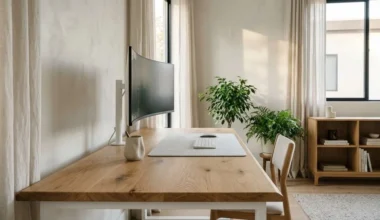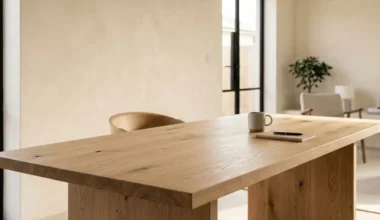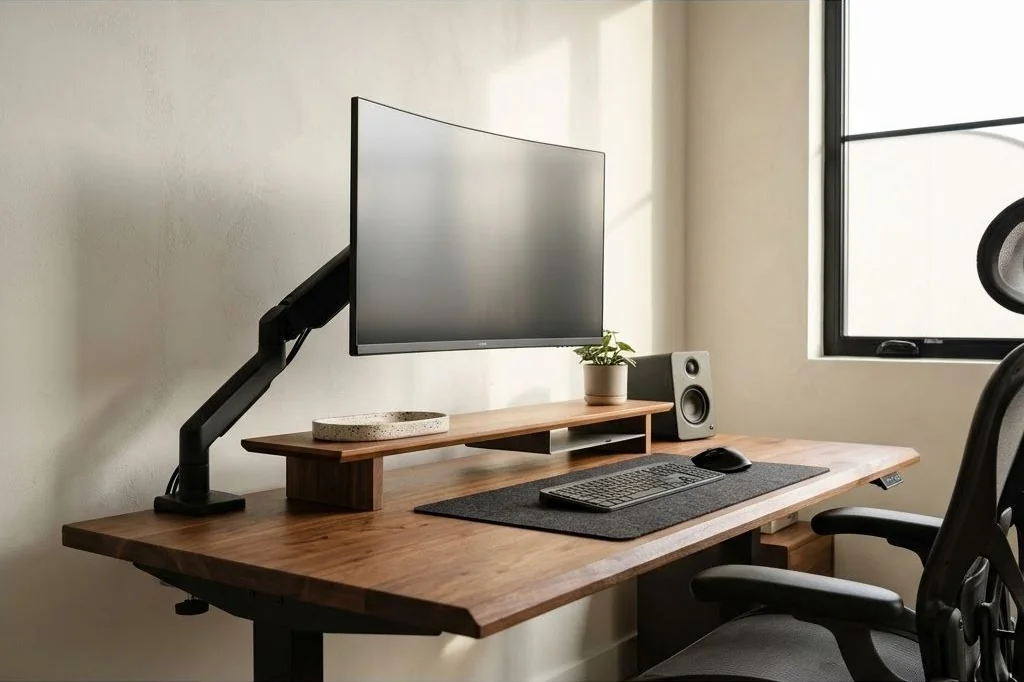
Traditional ergonomic furniture often prioritizes orthopedic mechanics at the expense of aesthetic grace. Bulky mesh task chairs, oversized plastic monitor stands, and clinical keyboard trays frequently turn home offices into uninspiring corporate cubicles. The Scandinavian approach to ergonomics proves that biomechanical support and refined architectural minimalism are not mutually exclusive.
By applying neutral posture principles within a clean material palette, knowledge workers can protect spinal health without compromising spatial elegance. The core objective is removing physical strain so the mind remains entirely absorbed in creative thought. To discover how intentional living informs our residential layouts, explore our philosophy across the Ornista design editorial collection.
Key Takeaways
- Ergonomic geometry in a minimalist office must harmonize physical comfort with clean visual sightlines.
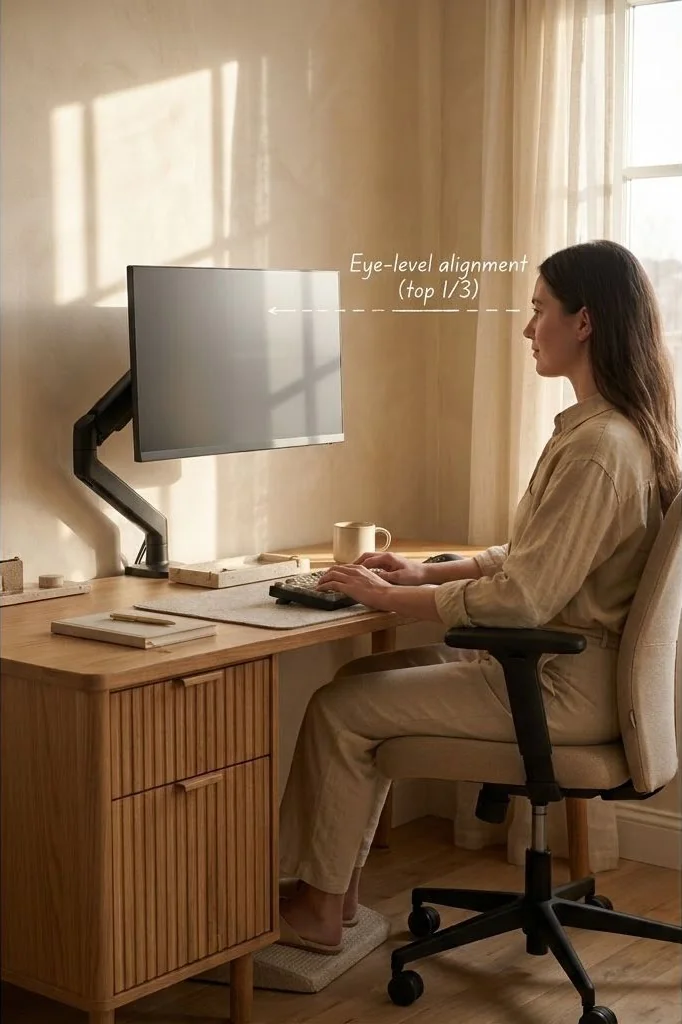
- The top third of your display screen should align horizontally with eye level when seated upright.
- Positioning the monitor approximately an arm’s length away prevents forward head carriage and neck strain.
- Heavy-duty gas-spring monitor arms free valuable desktop real estate beneath the screen.
- Pairing neutral 90-degree elbow angles with a supportive chair preserves healthy spinal curvature.
The Geometry of Neutral Posture and Sightlines
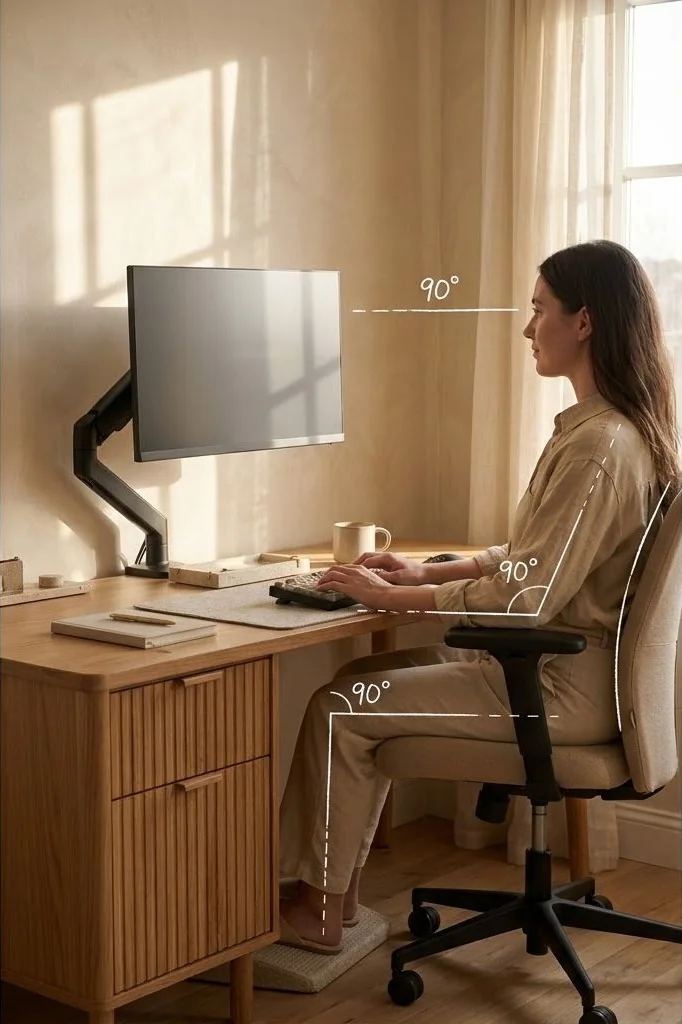
Neutral posture represents the natural equilibrium where joints align without muscular exertion. Achieving this begins from the floor upwards:
Feet should rest flat on the floor or a slanted timber footrest, with knees bent at a comfortable 90-to-100-degree angle. The seat pan height should allow your hips to sit slightly higher than your knees, encouraging natural pelvic tilt and preserving the inward lordotic curve of your lower lumbar spine.
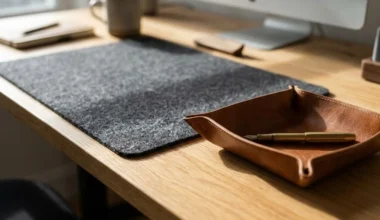
Armrests and desktop surfaces should match elbow height when shoulders are relaxed and dropped. If forearms slant upward toward the keyboard, wrist nerves experience constant compression against the desk edge. Ensure forearms hover parallel to the floor, resting lightly on a smooth felt or leather surface.
Furthermore, investing in an adjustable lumbar support cushion crafted from natural wool or supportive breathable latex reinforces the lower back naturally. Avoid slouching into deep reclines during heavy typing, as leaning backward pulls the neck forward toward the screen. Keeping your head balanced directly over your shoulder girdle maintains optimal muscular equilibrium throughout the entire spine.
Calibrating Monitor Height and Focal Distance
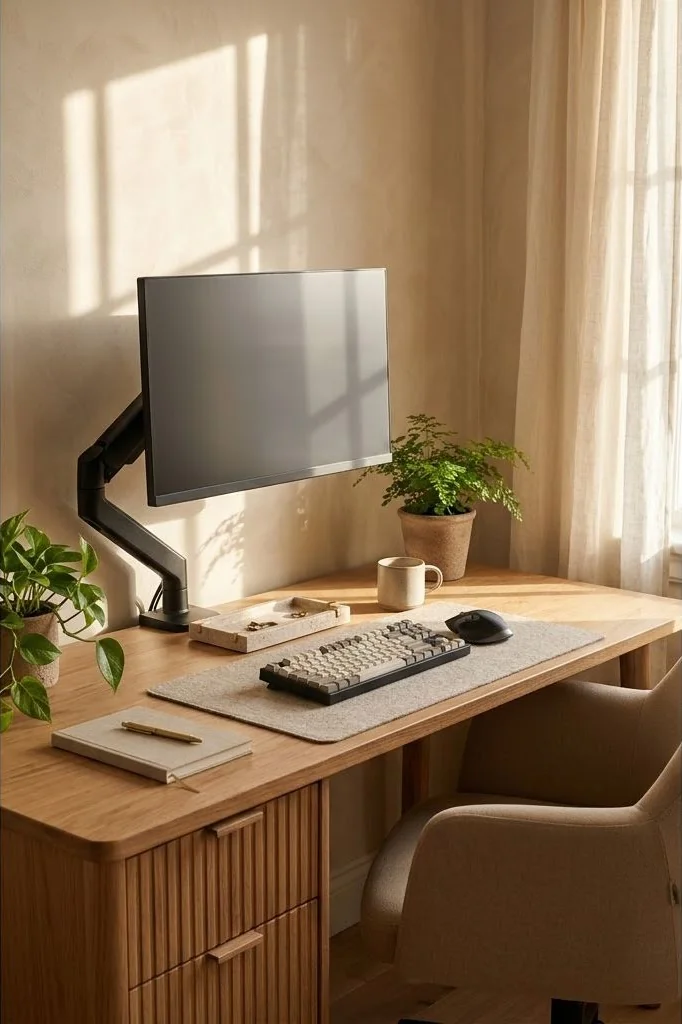
Improper monitor placement is the primary culprit behind chronic neck soreness and tension headaches. When a display rests too low on a factory plastic pedestal, users instinctively crane their heads forward, placing up to thirty pounds of additional gravitational force on the cervical spine.
To establish correct geometry, adjust your monitor arm so the top horizontal third of the display aligns directly with your natural horizontal gaze. As you scan downward toward the middle and bottom of documents, your eyes move naturally without requiring neck flexion. The viewing distance should span between 20 and 28 inches – approximately an arm’s length – allowing comfortable text legibility without squinting.
Selecting and Clamping Articulated Monitor Arms
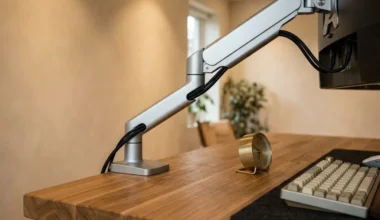
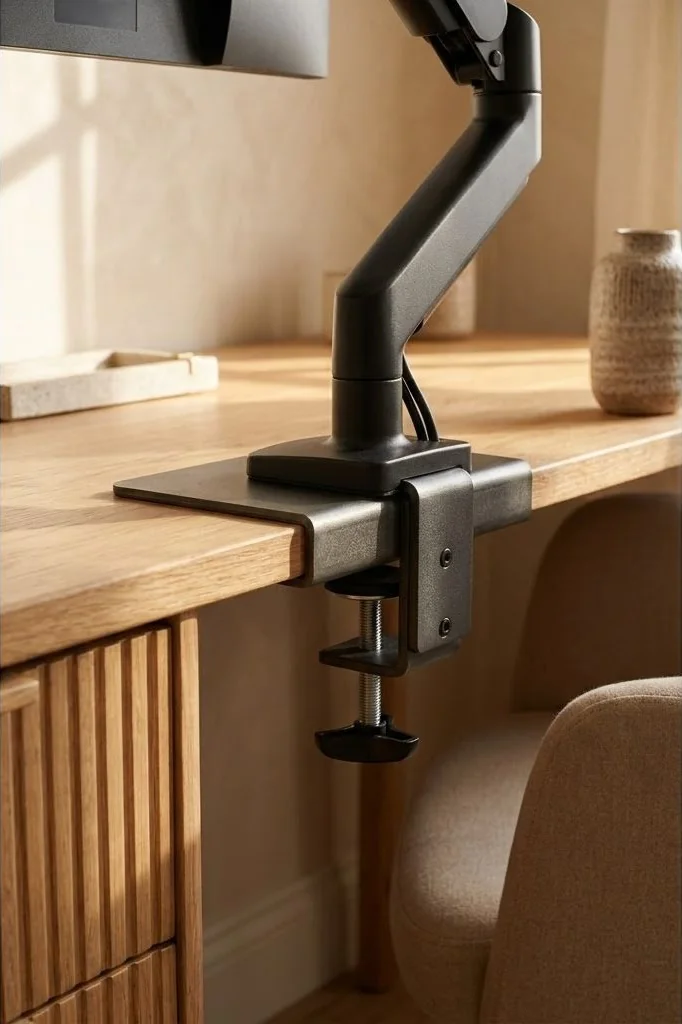
Factory monitor stands occupy significant real estate on a wooden desk, cluttering the immediate surface with wide plastic feet. Upgrading to a gas-spring articulated monitor arm lifts the screen into open air, opening six to eight inches of unobstructed space beneath the panel.
When clamping a monitor arm to a solid hardwood desktop, distribute the mechanical load carefully. High-torque steel C-clamps can leave indentations on soft timbers like pine or thin ash. Place a pair of powder-coated steel reinforcement plates lined with dense neoprene pads on both the upper and lower surfaces of the desktop edge before tightening the clamp screw. For proper cable management through arm joints, review our walkthrough on monitor arm cable management techniques.
Integrating Desk Shelves for Layered Elevation
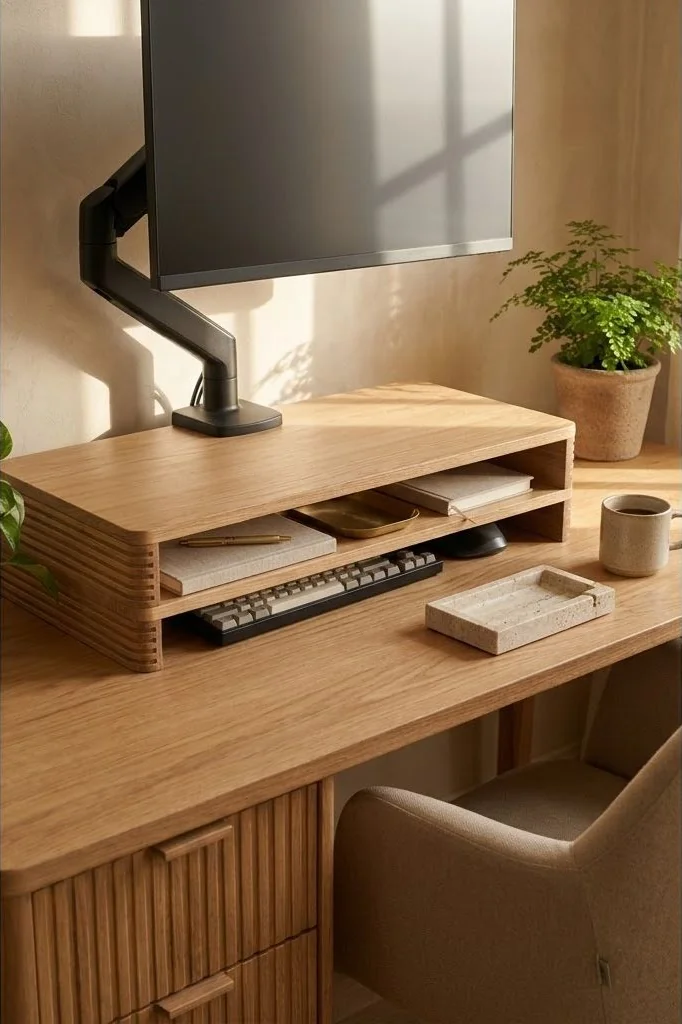
In many Scandinavian workspaces, an articulated monitor arm is paired with a matching timber desk shelf. The shelf acts as an architectural plinth, visually anchoring the floating display to the primary desktop plane.
This tiered arrangement creates specialized micro-zones for functional accessories. A laptop can rest closed in clamshell mode beneath the shelf, while an external audio interface, fountain pens, or small notebooks nest neatly below. For styling rules that balance organization with visual serenity, examine our detailed tutorial on Scandinavian desk shelf organization.
The Rhythm of Movement: Integrating Sit-Stand Transitions
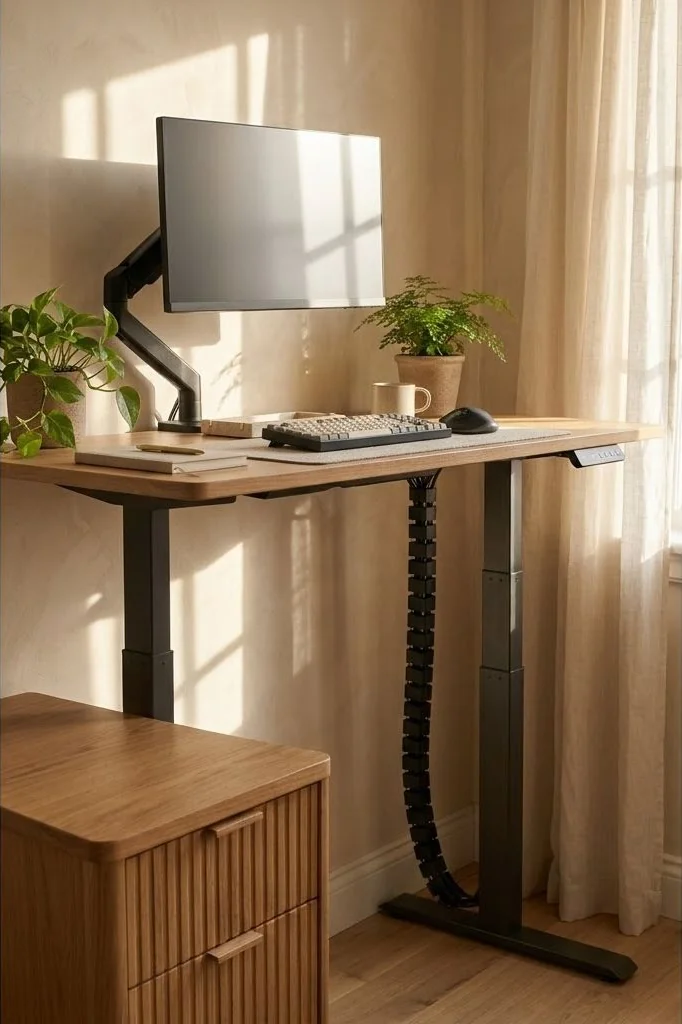
Even the most geometrically perfect static posture causes fatigue if held uninterrupted for eight hours. Musculoskeletal health relies fundamentally on postural variation throughout the working day. Incorporating a height-adjustable desk frame beneath your timber top enables fluid transitions between seated and standing positions.
A proven routine involves standing for twenty to thirty minutes out of every hour. While standing, monitor height must be re-calibrated so that eye alignment remains horizontal and elbows maintain a relaxed 90-degree angle. As highlighted in ergonomics research synthesized by Architectural Digest, dynamic movement routines revitalize circulation and maintain cognitive clarity across prolonged creative sessions.
Core Spatial Principles for Nordic Workspaces
To ensure your workspace layout retains its serene balance through evolving seasons and technology updates, anchor your setup around three timeless architectural guidelines:
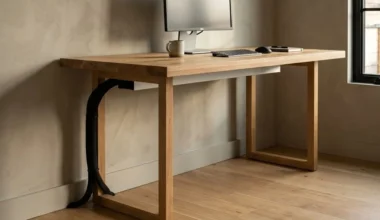
First, maintain visual lightness by preserving negative space. Resist the urge to fill every square inch of your desktop with gadgets or decorative items; bare wood surface is itself a restorative visual rest for tired eyes. Second, establish consistent material dialogue throughout the room. If your desk features white oak, echo that pale grain in picture frames, floating bookshelves, or flooring trims. Third, hide technical friction completely: ensure that all power distribution, charging cables, and peripheral transformers remain entirely invisible from normal standing and seated sightlines.
Cultivating Enduring Harmony in Intentional Workspaces
Creating an inspiring Scandinavian workspace is not a fleeting weekend project or an exercise in surface styling. It represents a deeper architectural dialogue between physical form, natural textures, and the mental rhythms of daily work. When you eliminate chaotic cable nests and replace synthetic surfaces with honest, living timber, the entire emotional resonance of the room transforms.
Each morning becomes an opportunity to step into an environment specifically engineered to protect mental clarity and nurture deep creative immersion. By investing care into fine details – from tactile wood grains and recessed cable trays to balanced 2700K ambient illumination – you build an enduring sanctuary that honors both personal wellbeing and professional craft.
Frequently Asked Questions
Where should a monitor arm be clamped on a solid wood desk?
Clamp the arm near the rear corner or center rear edge, using an aluminum reinforcement plate to distribute clamping pressure safely across the timber.
How do I determine the ideal distance between my eyes and the screen?
Extend your arm forward while seated comfortably; your fingertips should lightly graze the surface of the display, approximately 20 to 28 inches away.
Does a dual-monitor setup compromise Scandinavian minimalist aesthetics?
Using a single dual-mount pole or stack-mount orientation keeps desktop clamp footprints minimal and maintains balanced spatial proportions.
How can I prevent monitor arm clamps from marring fine wood finishes?
Place dense silicone pads or leather offcuts between the steel clamp jaws and the desktop to protect oiled timber grains.