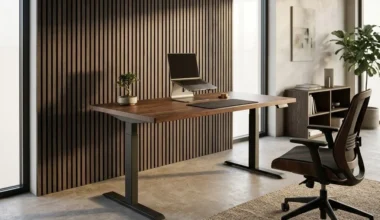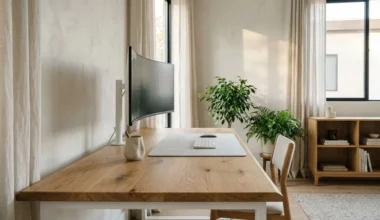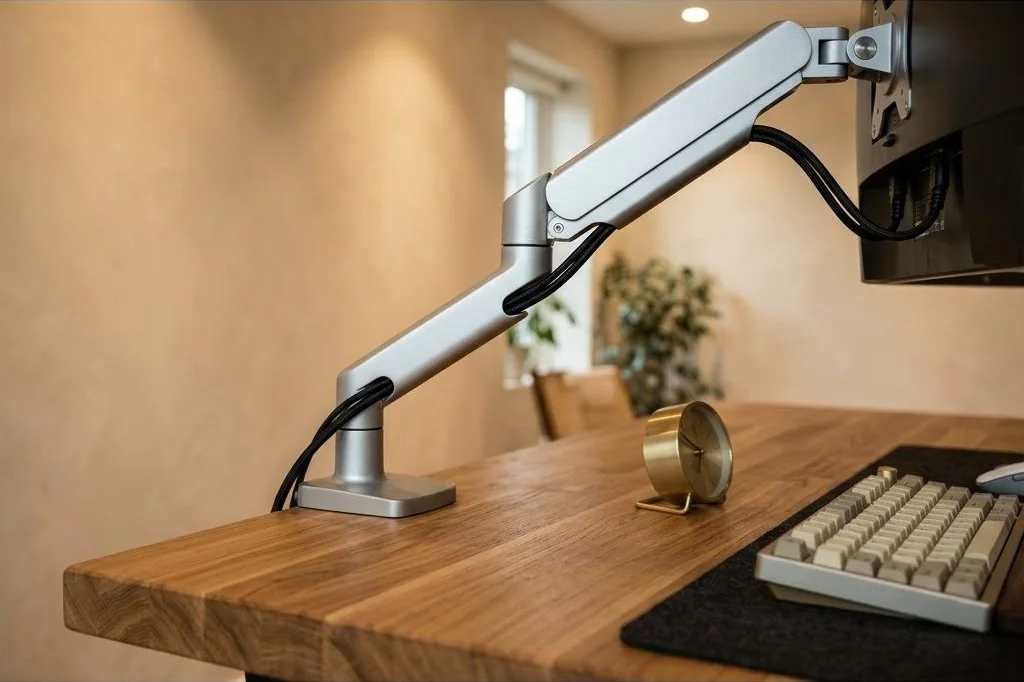
Implementing disciplined monitor arm cable management techniques is essential for creating a modern, clutter-free workspace. In Scandinavian interior architecture, a floating display panel represents the intersection of digital utility and visual lightness. However, when thick DisplayPort cords, HDMI lines, and DC power cables droop beneath the screen, the illusion of a weightless screen hovering over natural wood grain is instantly shattered.
Mastering monitor cable routing requires balancing mechanical articulation, connector clearance, and aesthetic concealment. High-performance gas-spring monitor arms move across multiple axes to optimize ergonomic sightlines. Routing cables through these dynamic joints demands precise calibration to prevent tension on video ports while ensuring not a single millimeter of wire sags into view.
Key Takeaways
Core methods for clean monitor arm cable management:
- Grommet mounting anchors the monitor arm through a dedicated desk port, eliminating rear clamp protrusions against wall drywall.
- Internal arm raceways with snap-fit covers enclose video and power cords completely inside aluminum casting segments.
- Calibrating a 2-inch service loop at elbow articulation pivots prevents port tension during display angle adjustments.
- Ninety-degree right-angle connectors route cords parallel to the display chassis, preventing downward cable sag beneath the monitor bezel.
- Merging multiple monitor cables into a single braided sleeve at the desk clamp streamlines visual mass into the under-desk tray.
Grommet Mount vs Edge Clamp on Solid Wood Desktops
The method used to attach a monitor arm to a solid wood worktop establishes both structural stability and cable trajectory. The standard edge clamp grips the rear overhang of the desktop with two heavy steel bolts. While convenient and non-destructive, edge clamps require at least 3 inches of clearance between the desk edge and adjacent walls, while concentrating immense rotational torque onto the rear wood grain. For broader insights on foundational workstation architecture, explore the Ornista spatial principles.
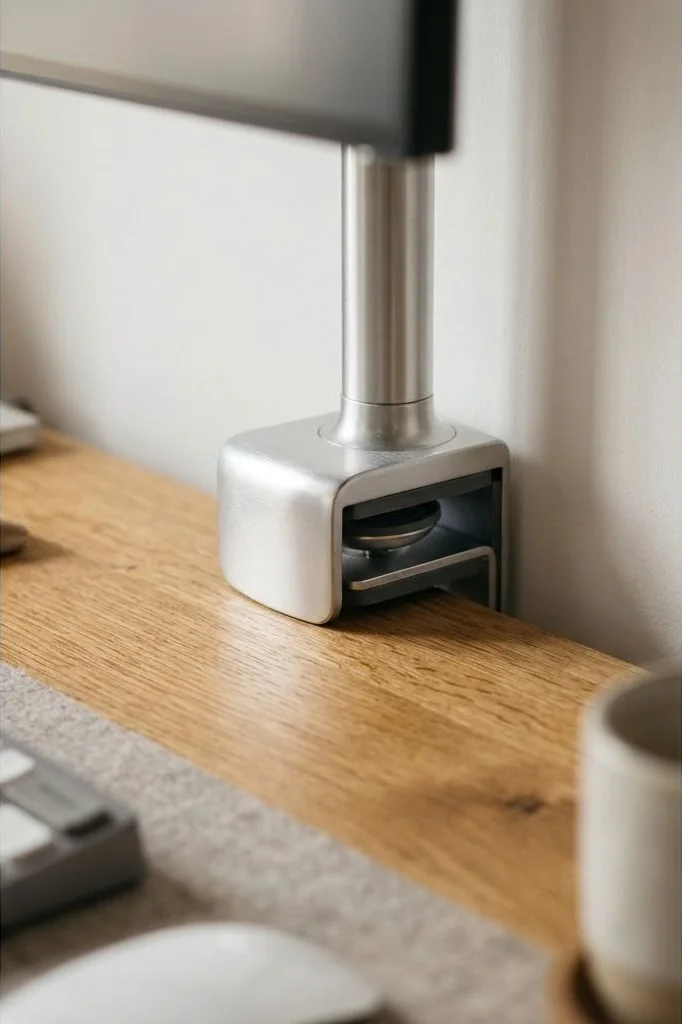
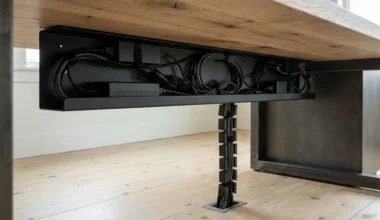
Grommet mounting provides a superior architectural alternative. By passing a threaded mounting post through an existing 60mm desktop grommet hole or a custom-drilled port, the arm anchors firmly to the desk core. Furthermore, most grommet assemblies feature hollow center conduits that allow video and power cables to drop vertically through the desk top directly into the wire tray beneath. When pairing heavy display mounts with hardwood surfaces, selecting durable solid wood desk tops for scandinavian setup ensures the timber can absorb clamping pressures without fiber indentation.
Internal Arm Channel Routing vs External Guide Clips
Monitor arms vary dramatically in how they manage cabling along their articulating segments. Budget arms often rely on cheap external plastic clips that snap onto the outside of tubular steel arms. These clips leave cords partially exposed, fail under tension, and disrupt the clean silhouette of the hardware.
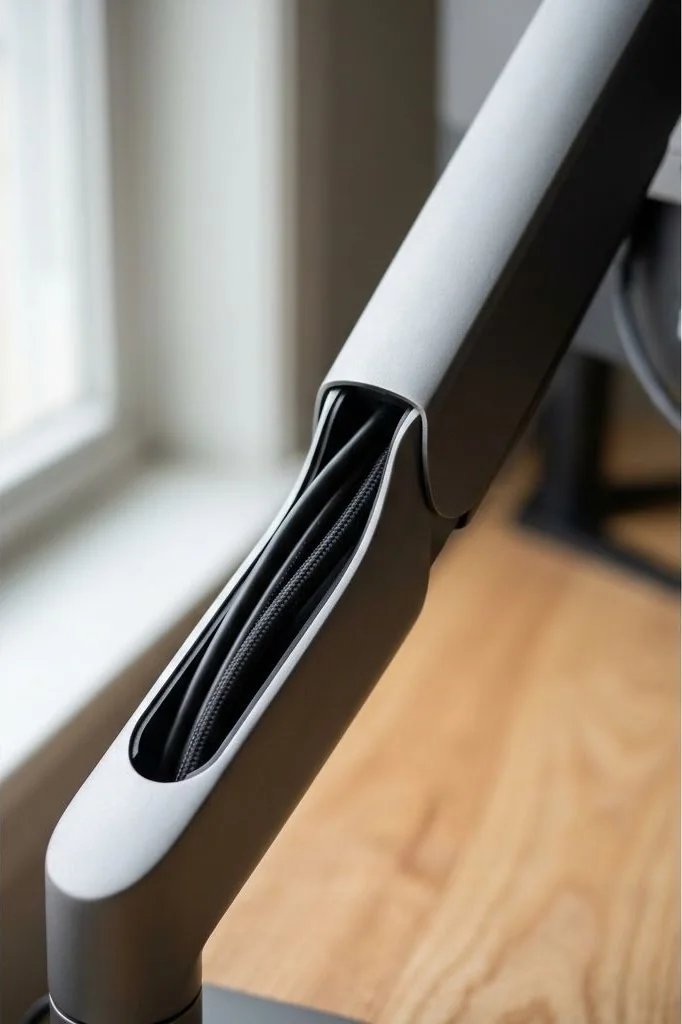
Premium architectural monitor arms integrate recessed aluminum or steel internal channels. The upper arm and lower forearm segments feature sliding or magnetic faceplates that unlatch, revealing dedicated cavities designed to house multiple thick cables. Tucking both power and high-bandwidth display cables inside these chambers shields wiring completely from view, creating a monolithic sculptural appearance that mirrors Scandinavian product design.
Calibrating Articulation Slack for Full Motion Ergonomics
A frequent mistake when dressing monitor cables is pulling lines taut along the length of the arm segments. While a tightly pulled cable looks neat when the arm is fully extended, rotating the monitor into portrait mode or pushing the screen back toward the wall will severely bend the cables or yank delicate display ports out of their sockets.
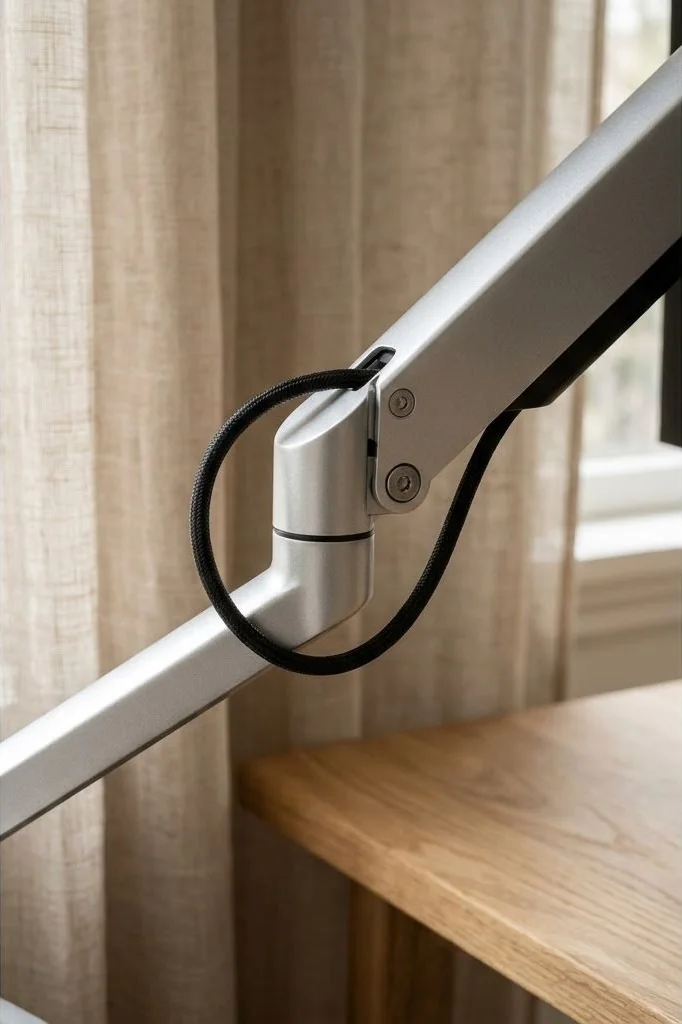
To calibrate proper mechanical slack, articulate the monitor arm into its most extreme positions: fully extended toward your eyes, tilted 20 degrees upward, and rotated 90 degrees. At each elbow and tilt hinge, leave a gentle 2-inch service loop. This loop allows the mechanical joint to pivot freely through its full range of motion without pinching copper conductors. Mechanical standards published by the Video Electronics Standards Association underscore that avoiding mechanical bend strain on VESA connector interfaces is vital to prevent intermittent signal dropouts and flickering.
Right-Angle DisplayPort and Power Connectors
Standard video and power cables terminate in long, rigid plastic plug barrels that project 2 to 3 inches straight out from the monitor connector panel. When a monitor is positioned close to the wall or angled down, these straight connectors force the cable into an awkward downward bow that peeks beneath the bottom chin of the display bezel.
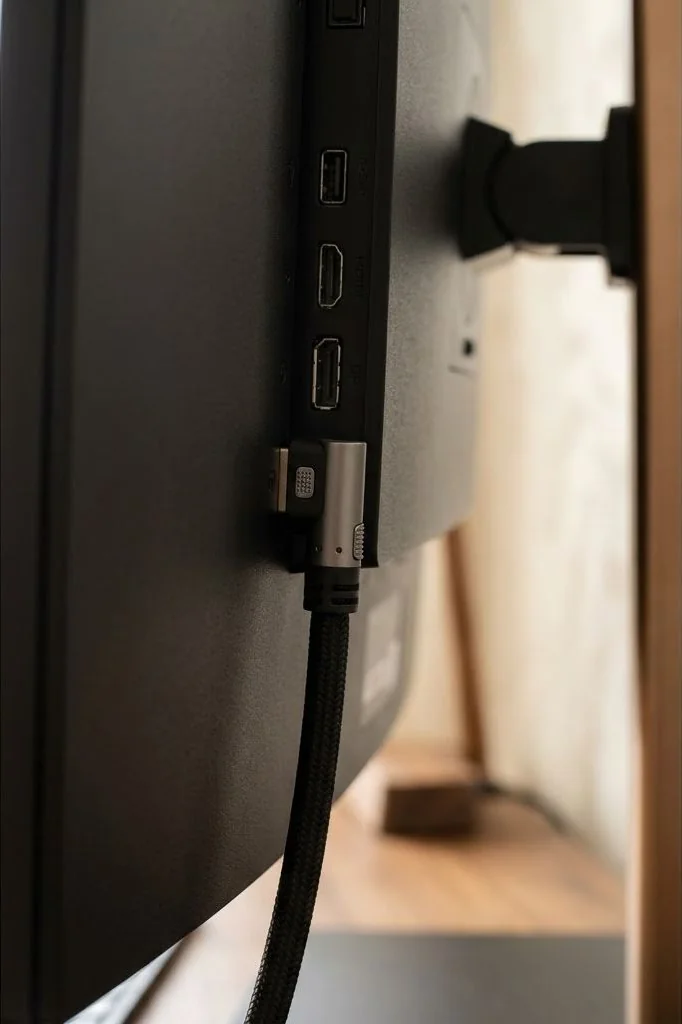
Replacing straight cables with low-profile 90-degree right-angle connectors resolves this issue completely. A right-angle DisplayPort or HDMI cable routes the wire parallel to the back chassis of the display, guiding it immediately upward or sideways into the monitor arm’s VESA head cable clip. This keeps all connection points entirely invisible from front and side viewing angles.
Dual-Arm Cable Harmonization and Joint Convergence
Dual-monitor workstations double the number of wires required, running two power supplies, two high-speed display cables, and optional upstream USB hub lines. When two independent arms are used, having separate bundles cascading down both poles doubles visual distraction.
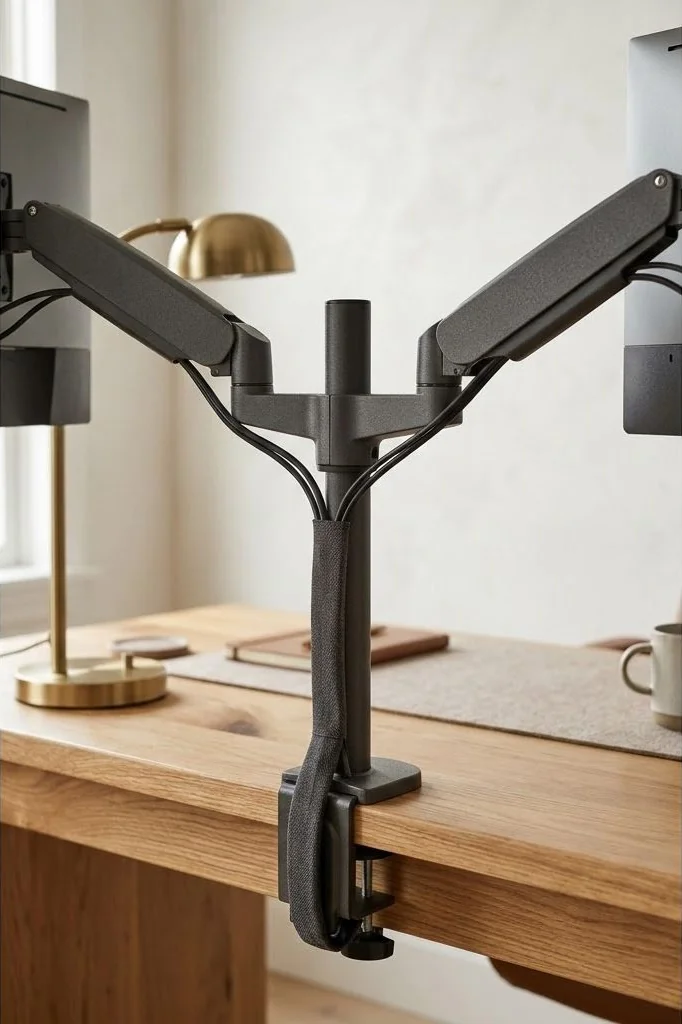
Use a centralized dual-monitor crossbar or merge the two cable runs at the primary desk post. Fasten both runs inside a tailored split braided monofilament sleeve right as they exit the lower arm segments. By uniting the cables into one unified column before they pass through the desktop grommet, you preserve clean vertical lines. For multi-screen setups with supplementary desktop storage, integrating a Scandinavian desk shelf organization tier conceals any lingering connection hubs cleanly below the riser plane.
Eliminating Cable Drop Beneath the Monitor Base
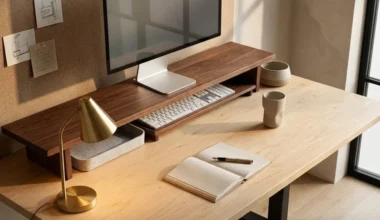
The ultimate hallmark of refined monitor cable management is the complete absence of wires visible beneath the screen. When seated at your desk, looking directly under the display should reveal only a clean wall, a warm task light, or a tactile wood monitor shelf, with zero hanging cables.
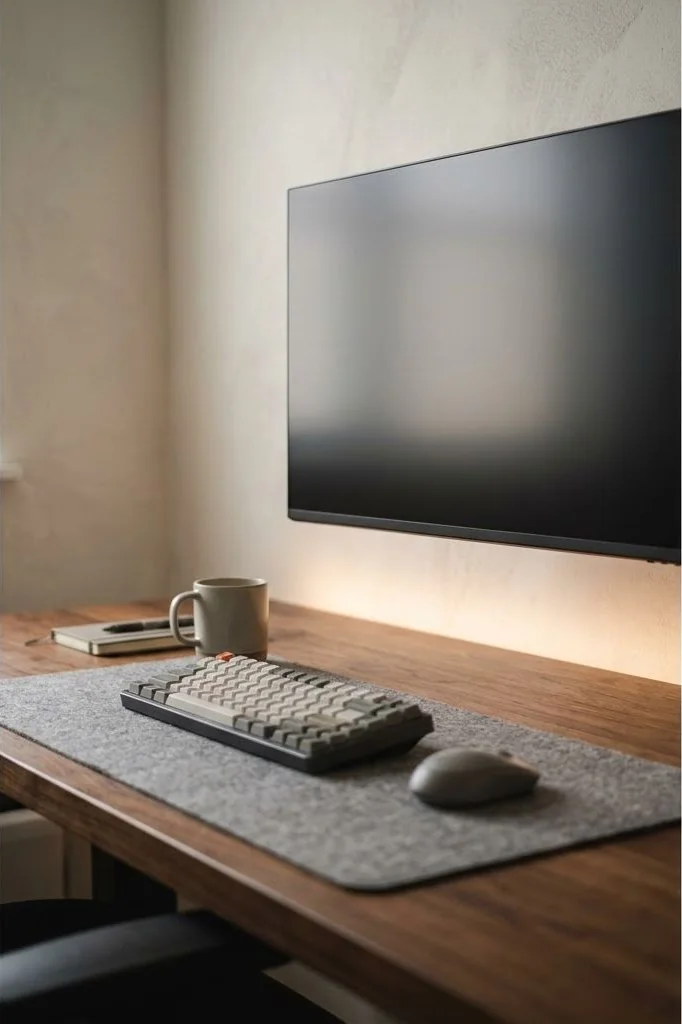
To achieve this pristine floating aesthetic, secure the cable bundle firmly to the rear VESA mounting plate using a discreet zip-tie anchor or silicone strap before entering the arm raceway. This anchor point prevents gravity from pulling slack downward below the screen chin. Once fastened, tension the cable gently along the top spine of the arm, ensuring the entire harness remains tucked behind the physical perimeter of the monitor.
Frequently Asked Questions
How long should monitor cables be when using an arm?
Always choose 10-foot cables rather than standard 6-foot cables. Routing wires through articulated arm channels, down the vertical post, and across under-desk trays consumes significant length. Extra length ensures full arm motion without tension on ports.
Can right-angle video adapters degrade display refresh rates?
Quality right-angle cables certified for DisplayPort 1.4 or HDMI 2.1 will not degrade refresh rates or color depth. However, avoid cheap uncertified adapter dongles, which can introduce signal degradation and cause intermittent monitor blanking.
Does clamping a monitor arm damage a solid wood desk?
A metal clamp can indent soft wood fibers under heavy torque. To protect fine hardwoods like oak or walnut, always place a wide wooden reinforcement plate or dense silicone pad between the metal clamp jaws and the desktop surface.
How do you hide monitor cables without an internal arm channel?
Wrap the cables tightly in black or grey split braided fabric sleeving that matches the arm color, then fasten the bundle along the underside of the arm segments using low-profile hook-and-loop straps every 6 inches.
Mastering monitor arm cable management techniques preserves the purity of minimalist design, transforming your floating screen into an effortless window of focused digital productivity.