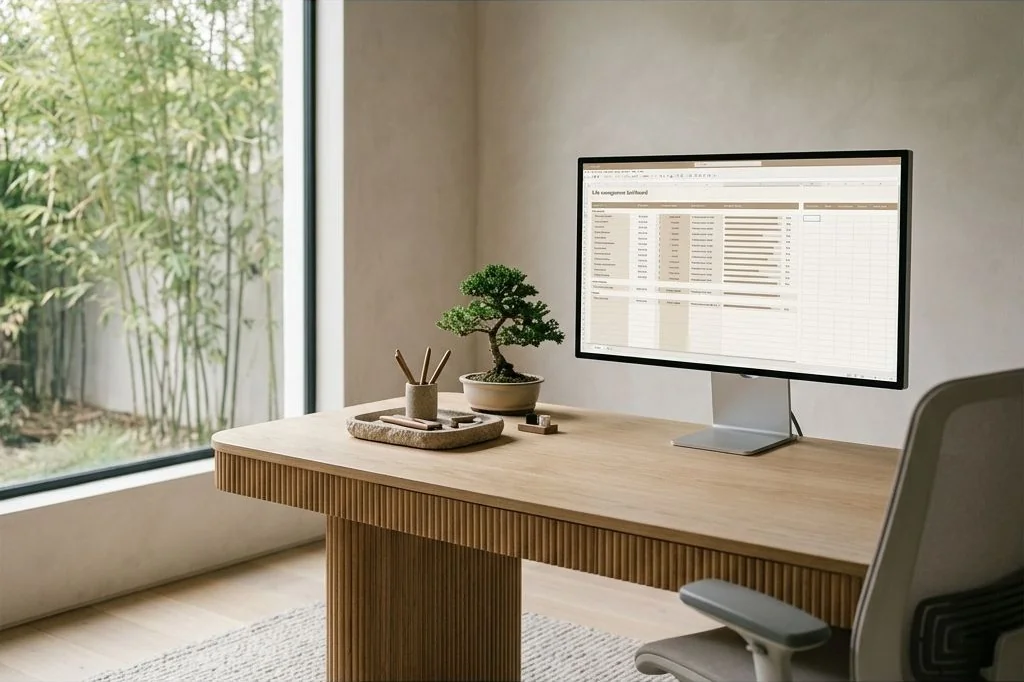
In an era dominated by proprietary productivity applications and subscription-based tracking software, personal management systems have grown excessively complex. Many individuals juggle separate mobile tools for habit routines, personal accounting, project milestones, and reading logs. Each disconnected platform introduces cognitive overhead, fragmented user interfaces, and subscription fatigue. Constructing a single, streamlined Google Sheets personal life dashboard offers an elegant alternative: absolute data ownership, zero recurring software fees, and total visual customization. Cultivate calm intentionality in both your physical and digital environments through the Ornista curated lifestyle collections.
Key Takeaways
Essential architectural principles for building an enduring spreadsheet dashboard:
- A unified spreadsheet system eliminates fragmented subscription services and preserves lifelong data sovereignty.
- Clean visual architecture relies on muted palettes, generous whitespace, and strict typographic hierarchy.
- Separating raw input tables from executive visual summary views prevents cluttered interfaces and data entry errors.
- Automated formula logic and dynamic sparklines provide immediate clarity on habit consistency and milestones.
- Weekly reflection rituals transform raw numerical data into actionable, compassionate lifestyle adjustments.
The Case for Spreadsheet-Driven Simplicity
Modern commercial productivity tools frequently trap users within walled gardens. When a company changes its user interface, pivots its pricing model, or discontinues service entirely, years of personal history can vanish overnight. Spreadsheets, by contrast, rely on durable relational tables that have remained mathematically stable for decades.
By engineering a Google Sheets personal life dashboard, you become the architect of your own operating system. You determine the exact metrics worth measuring, configure custom aggregation formulas, and view your life holistically rather than through the rigid silos imposed by commercial software designers. Utilizing foundational formulas documented in official Google Sheets documentation allows you to build dynamic calculation models without subscription locks. When paired with structured focus methodologies like our guide to time blocking architecture and focus cycles, a well-crafted dashboard grounds your weekly efforts in clear, quantifiable reality.

Structural Architecture: Input Versus Aggregation
The most common design failure in personal spreadsheets is attempting to log daily entries and view macro trends on the same worksheet. This results in sprawling sheets cluttered with hundreds of rows, nested formulas, and confusing charts that discourage consistent maintenance.
A professional spreadsheet dashboard adheres to strict structural separation:
- The Executive Overview Tab: A pristine single-screen summary displaying high-level Key Performance Indicators, monthly financial runway, core habit streaks, and current quarter objectives.
- Dedicated Input Logs: Tabular worksheets designed exclusively for rapid chronological recording – daily habit checkboxes, transaction records, and fitness timestamps.
- Hidden Calculation Modules: Background sheets housing complex aggregation logic, pivot calculations, and lookup arrays, keeping primary visual workspaces uncluttered.
Visual Styling: Applying Warm Minimalist Design
Default spreadsheet formatting – harsh primary cell fills, heavy black gridlines, and fluorescent warning colors – induces subtle cognitive friction. If opening your dashboard feels like auditing corporate tax records, you will inevitably abandon it during stressful periods.
Apply warm minimalist styling principles to make your personal tracking space visually inviting:
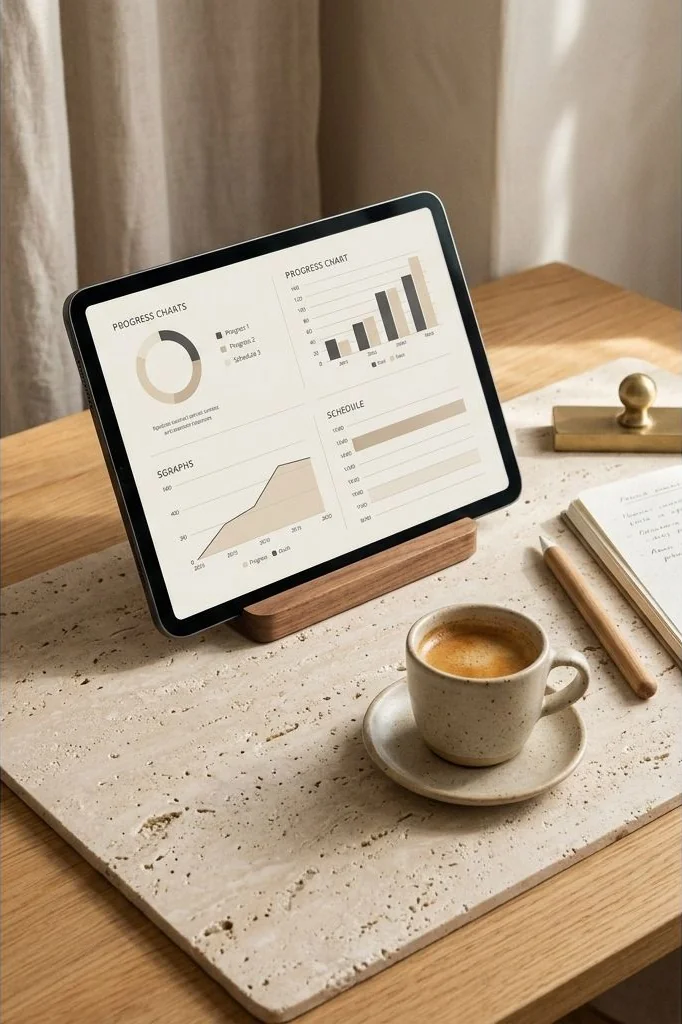
- Subtle Architectural Palette: Replace default saturated colors with soft earth tones: stone grey backgrounds, warm taupe headers, sage green progress fills, and terracotta alert highlights.
- Gridline De-emphasis: Disable default harsh gridlines across overview views. Use soft light-grey interior borders sparingly only where table structure demands clear boundaries.
- Typographic Hierarchy: Select clean modern sans-serif typefaces like Inter, Roboto, or Lato. Maintain a disciplined scale: 18pt bold for section headers, 12pt medium for metric labels, and 24pt bold for hero numbers.
Just as physical living spaces require thoughtful spatial organization, as explored in our primer on minimalist closet spatial organization, your digital spreadsheets demand intentional breathing room to remain functional over months of continuous use.

Core Modules of an Intentional Life Dashboard
An effective personal tracking sheet focuses on depth rather than superficial breadth. Incorporate these four foundational modules to maintain holistic life balance:
1. Habit and Wellness Architecture
Track four or five Keystone habits rather than an overwhelming list of twenty trivial behaviors. Focus on foundational activities that naturally cascade into broader well-being: seven hours of quality sleep, sixty minutes of focused movement, mindful reading, and zero alcohol intake. Utilize boolean checkmark columns paired with formulaic completion percentages to celebrate steady weekly adherence.
2. Personal Capital and Cash Flow Horizon
Commercial banking apps often obscure long-term trends behind promotional notifications. Your dashboard should present an unvarnished ledger: current liquid reserves, fixed monthly operating expenses, investment allocations, and savings velocity toward tangible life milestones.

3. Quarterly Objectives and Milestones
Annual resolutions frequently fail because twelve months is too abstract an emotional horizon. Breaking aspirations into ninety-day sprints creates immediate accountability. Track two primary professional milestones and one personal creative endeavor per quarter, logging incremental weekly deliverables directly into structured status rows.
4. Intellectual Curation and Reading Progress
Maintain an intentional reading index. Document titles, authors, acquisition dates, and two-sentence distillations of core insights upon completion. Reviewing this registry periodically reinforces key intellectual principles and inspires deeper creative connections across diverse disciplines.

The Weekly Review: Turning Data into Action
A dashboard is merely an inert repository unless enlivened by consistent human evaluation. Establish a dedicated Sunday morning review ritual – a quiet thirty-minute window accompanied by fresh coffee and natural daylight.
During this review, inspect your weekly completion ratios without harsh self-criticism. If a particular habit consistently registers below fifty percent, resist the impulse to double down on discipline. Instead, treat the shortfall as valuable analytical feedback: Is the target too ambitious? Does your physical environment actively resist the behavior? Adjust the system mechanics until execution becomes frictionless.

Frequently Asked Questions
Why choose Google Sheets instead of dedicated habit-tracking apps?
Google Sheets provides lifelong data ownership, eliminates monthly subscription fees, and allows completely bespoke visual and mathematical configurations without software lock-in.
How much time does maintaining a personal spreadsheet require each day?
With an optimized input tab, daily habit logging takes less than two minutes. A deeper weekly review requires approximately twenty to thirty minutes on Sunday mornings.
Do I need advanced spreadsheet programming skills to build a functional dashboard?
No. Standard formulas such as SUM, AVERAGE, COUNTIF, and basic SPARKLINE functions provide all the computational power needed for insightful personal analytics.
Can I access and update my personal dashboard on mobile devices?
Yes. By creating a dedicated mobile-friendly input sheet with large checkbox cells, updating daily entries from a smartphone remains fast and frictionless.
Designing a Harmonious Digital Life Operating System
Transforming raw numbers into a source of enduring calm is the ultimate purpose of personal productivity. When your tools are clean, quiet, and under your absolute control, technology ceases to be a source of ambient anxiety. A well-designed personal life dashboard provides the quiet reassurance that your daily efforts are thoughtfully aligned with your highest values.
Disclaimer: The organizational frameworks and spreadsheet structures described in this article are intended for personal lifestyle planning and educational purposes. Financial metrics and wellness tracking methods should be adapted to suit individual professional circumstances and health requirements.