
Modern knowledge workers expend tremendous cognitive energy acting as manual information conduits. They manually copy meeting action items from email threads into project boards, drag deadlines onto digital calendars, and duplicate client status notes across communication channels. This administrative shuffle generates acute friction, drains creative stamina, and introduces human error. Engineering thoughtful automated task workflows bridges these disparate digital silos, allowing your schedule, correspondence, and action items to harmonize autonomously. Explore foundational ideas in spatial design and calm living through the Ornista curated lifestyle directory.
Key Takeaways
Essential architectural strategies for automating modern knowledge workflows:
- Manual data transfer between email, task lists, and calendars creates cognitive fatigue and missed commitments.
- Treating the calendar as an unyielding single source of truth prevents unrealistic project commitments.
- Direct email-to-task pipeline rules transform reactive communication into structured, context-rich action items.
- Minimalist secondary display setups enable persistent operational awareness without distracting primary creative focus.
- Bi-directional webhook synchronization preserves data integrity across diverse organizational software platforms.
The Silent Cost of Administrative Fragmentation
Context switching carries an immense biological toll. When an executive pivots from writing a complex strategy document to manually scheduling a meeting or copy-pasting an action item, the brain takes up to twenty minutes to re-establish deep focus. Multiply this cognitive fragmentation across dozens of micro-tasks each day, and half of an individual’s productive capacity evaporates into operational overhead.
Automated task workflows do not exist to accelerate low-value busywork; their purpose is to protect high-yield mental clarity. By delegating data movement to robust automation rules, you preserve your prefrontal stamina for deep problem-solving. When paired with deliberate execution protocols like our framework for time blocking architecture, automated orchestration creates a frictionless bridge between strategic intent and daily execution.

The Three Pillars: Email, Calendar, and Task Registry
An effective personal productivity architecture relies on three distinct functional layers, each governed by strict operational rules:
1. The Communication Intake (Email & Messaging)
Inboxes are processing filters, not storage archives. Incoming messages should be triaged into three pathways: immediate archive, rapid two-minute response, or direct export into your task management pipeline with full contextual thread links attached.
2. The Action Repository (Task Manager)
Your task manager acts as an organized backlog. It houses project specifications, sub-deliverables, and reference assets. Tasks reside here with estimated time allocations and priority tags until scheduled onto the active calendar.
3. The Reality Anchor (The Calendar)
The calendar represents finite physical time. A task does not truly exist until an unyielding block of time has been reserved on the calendar grid. By utilizing two-way calendar sync, task management tools automatically carve out dedicated focus slots directly onto your primary daily agenda.
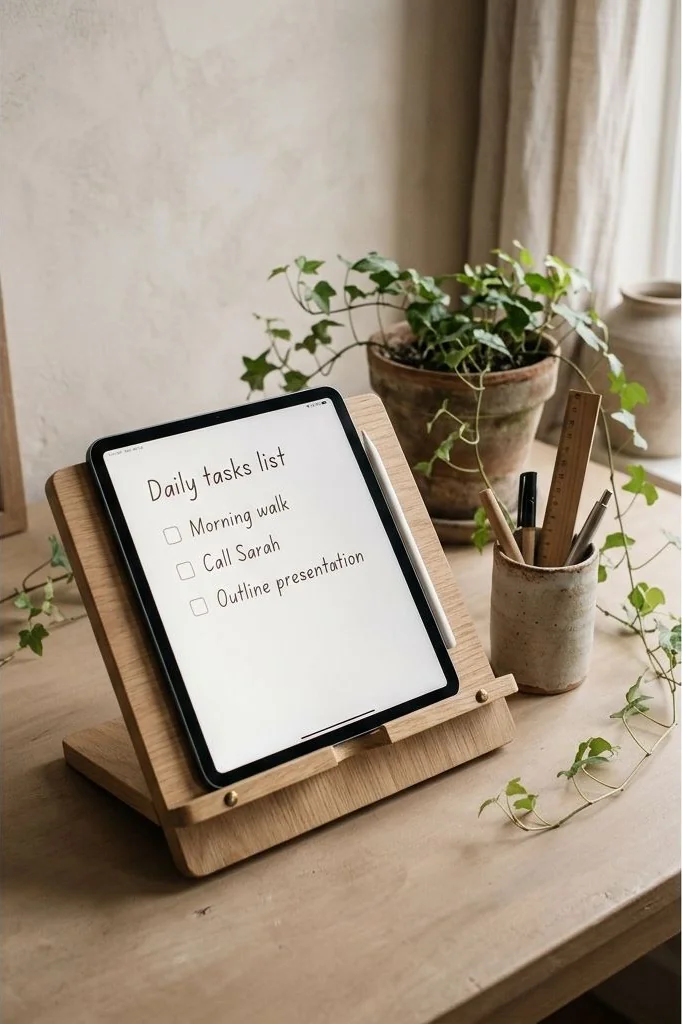
Automating the Email-to-Task Pipeline
The traditional practice of flagging emails and leaving them in an overflowing inbox guarantees anxiety. Instead, establish direct automation conduits using standardized webhook architectures or native platform shortcuts:
- Single-Click Quick Capture: Configure keyboard shortcuts that forward flagged emails into your task database, automatically extracting the subject line as the task title and the email body as reference notes.
- Automatic Due Date Parsing: Train automation filters to detect deadline phrases like “by Friday at noon,” automatically populating calendar due dates without manual data entry.
- Contextual Thread Deep-Links: Ensure every generated task contains a direct URL linking back to the original email thread, allowing instant access when execution begins.
For individuals who prefer managing personal milestones within flexible spreadsheet databases, review our detailed guide on structuring a Google Sheets personal life dashboard.

Physical Workspace Engineering: The Dedicated Operations Screen
Digital clutter is just as debilitating as physical mess. Having email, calendars, and to-do lists open across multiple overlapping browser windows on your primary screen invites persistent distraction.
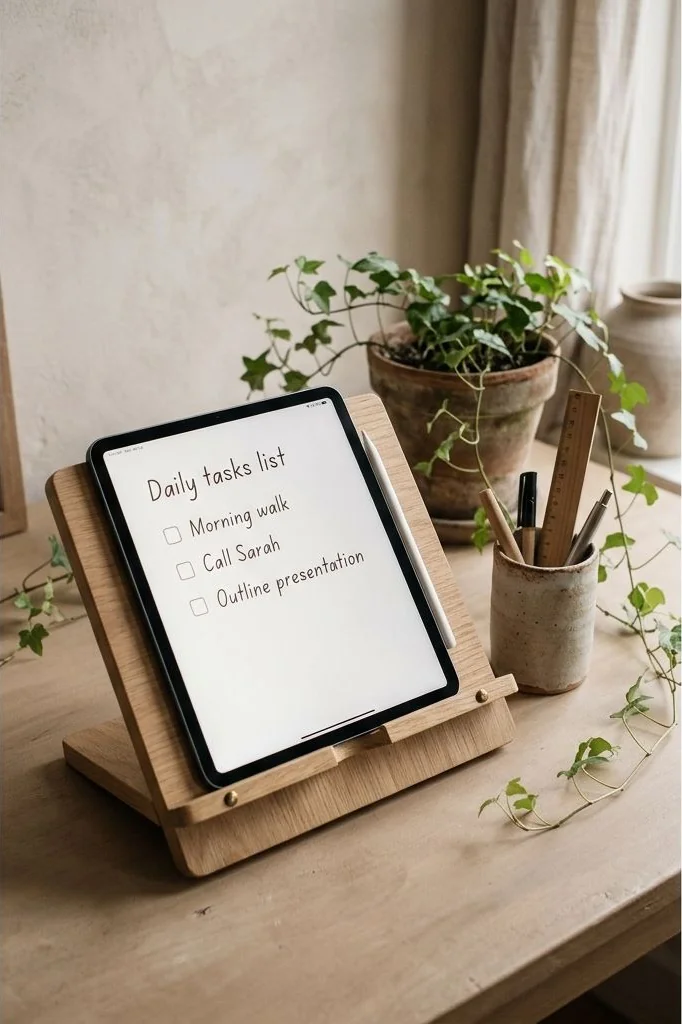
Consider incorporating a secondary high-resolution display oriented vertically. Position this monitor to your non-dominant side, dedicating its screen real estate exclusively to your scheduled time blocks and active task queue. Your primary horizontal display remains an uncluttered canvas devoted solely to the creative document, code editor, or design application at hand. This physical separation prevents communication tools from encroaching upon active deep work.
Maintaining System Hygiene and Preventing Automation Bloat
A common hazard among productivity enthusiasts is over-automation: constructing elaborate, fragile multi-step triggers that break whenever an application updates its API. Fragile automations require more time to troubleshoot than the manual steps they were built to replace.
Adhere to the rule of minimal automation: automate only high-frequency, standardized transactions occurring at least three times daily. If an exception occurs, handle it manually. Review your active automation rules once every quarter, pruning redundant triggers and consolidating workflows to maintain a lean, dependable operational engine.
Fault-Tolerant Automation: Handling Edge Cases and Fallbacks
No digital system operates with absolute perfection. API tokens expire, cloud servers experience transient downtime, and format mismatches can cause automated event syncs to fail silently. Relying blindly on automated scripts without robust fallback mechanisms invites missed deadlines and operational panic.
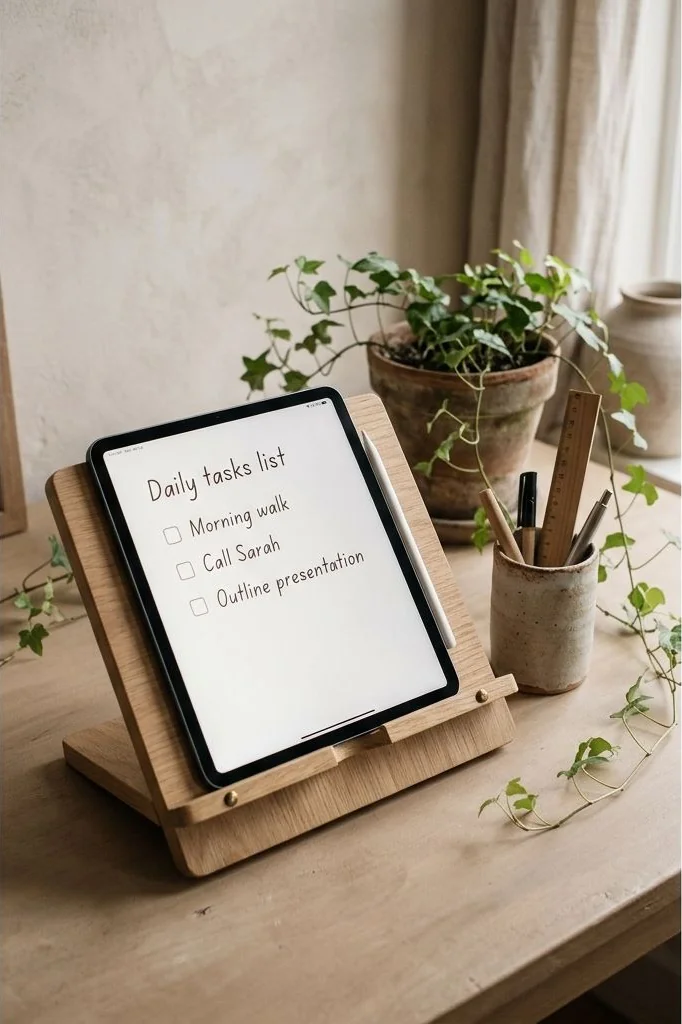
Incorporate intentional redundancy into your digital infrastructure. Configure daily automated digests that send an executive summary of failed webhook triggers directly to a private archival channel. Additionally, institute an analog catch-all tray – such as a handcrafted ceramic or brass desk tray – to temporarily hold physical paperwork and handwritten meeting reminders until digital reconciliation occurs during your weekly review.
Frequently Asked Questions
What software tools are recommended for connecting these platforms?
Standard integration platforms like Zapier, Make, or native workflow extensions provide stable connections between Google Workspace, Microsoft Outlook, and major task managers.
Will automated workflows cause me to miss urgent client requests?
No. By creating specific high-priority automation filters for key client domain names, critical correspondence can trigger immediate notifications while routine messages are quietly batched.
How do I prevent my calendar from becoming overcrowded with trivial tasks?
Only schedule substantial deep focus tasks requiring thirty minutes or more. Bundle minor five-minute administrative chores into a single consolidated daily batch block.
Can automated workflows handle both personal and professional calendars simultaneously?
Yes. Two-way synchronization tools can automatically block out personal doctor appointments or family commitments on your corporate calendar as “Busy” without exposing private details.
Cultivating Technological Harmony
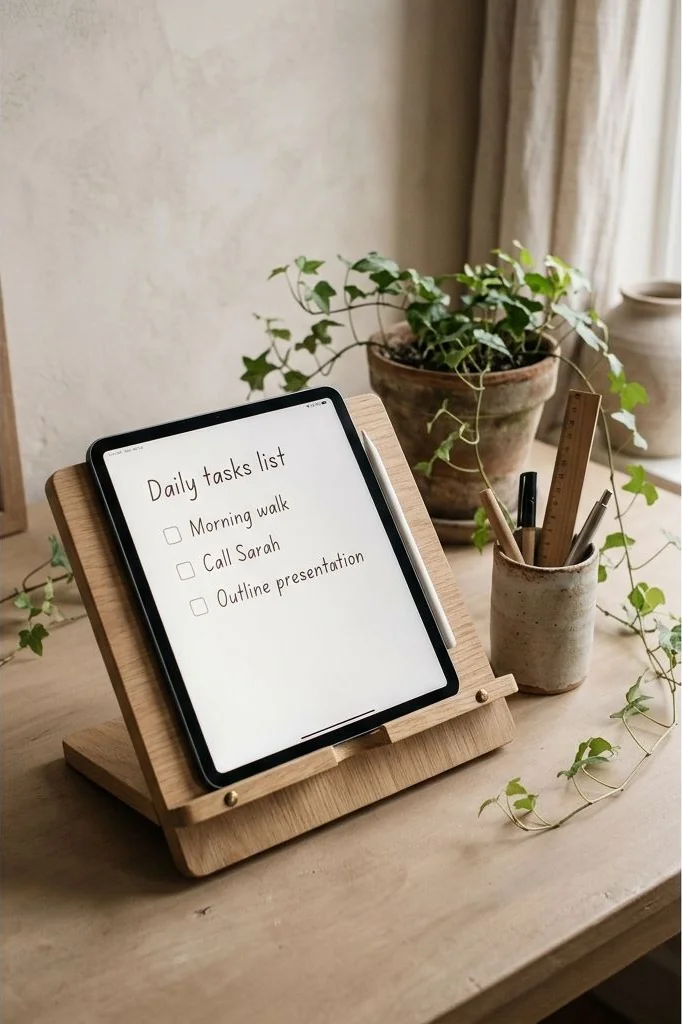
True technological refinement is invisible. When your tools work in quiet synchrony behind the scenes, you are liberated to devote your complete creative energy to work of enduring substance. For broader perspectives on designing minimalist systems across personal style and spatial curation, explore our architectural perspective on transitional modular layering systems.
The ultimate objective of modern automation is not to transform personal life into a cold algorithmic pipeline, but to clear away tedious clerical friction so genuine human judgment and creative passion can flourish unimpeded. When schedule coordination, email prioritization, and task routing occur silently in the background, your desk becomes a serene platform for thoughtful, high-impact creation.
Disclaimer: The productivity workflows and technical automation architectures discussed in this article are provided for educational purposes. Tool integrations and software features may vary based on operating system versions and individual platform updates.